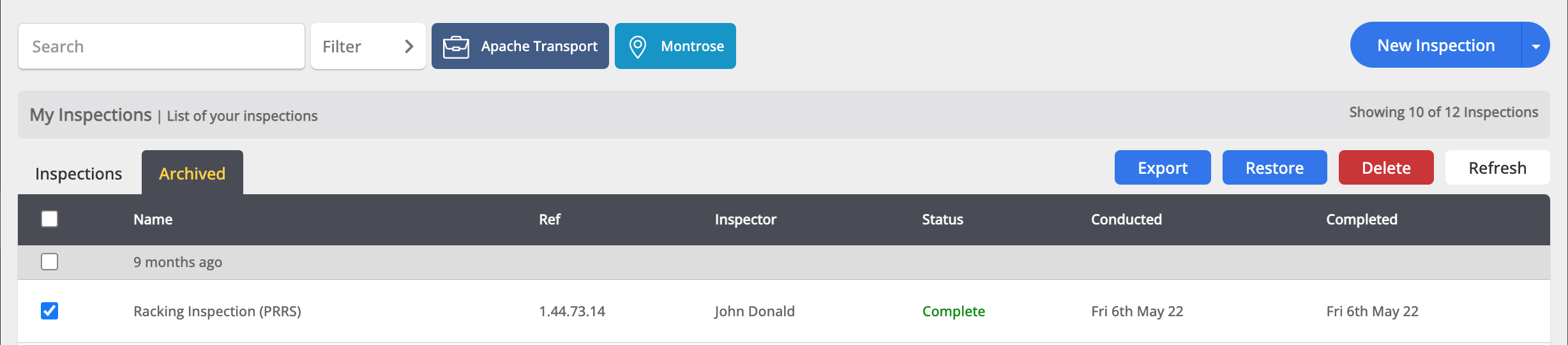
You cannot delete a completed inspection via the mobile app, however you are able to delete an inspection on the web app by firstly archiving the inspection.
After archiving the inspection you would like to delete, navigate to the Archived tab on the Inspections page. You are able to Delete an archived inspection by hovering over the row and tapping on the red Delete button or by selecting the tickbox at the far left of the row, and tapping on the red Delete button at the top right of the list.